
Create, edit, and refine images online
Nano Banana AI Image Generator & Editor
Create new images from text and references, or edit existing photos with precise instructions while preserving the subjects and details that matter.
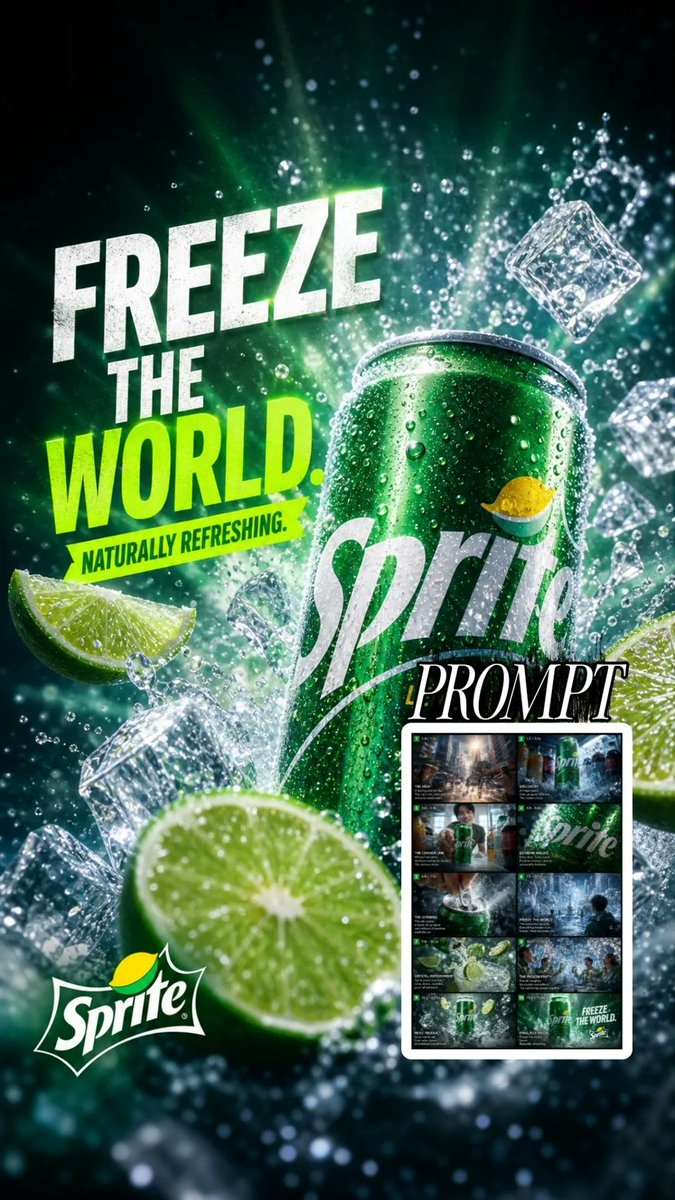
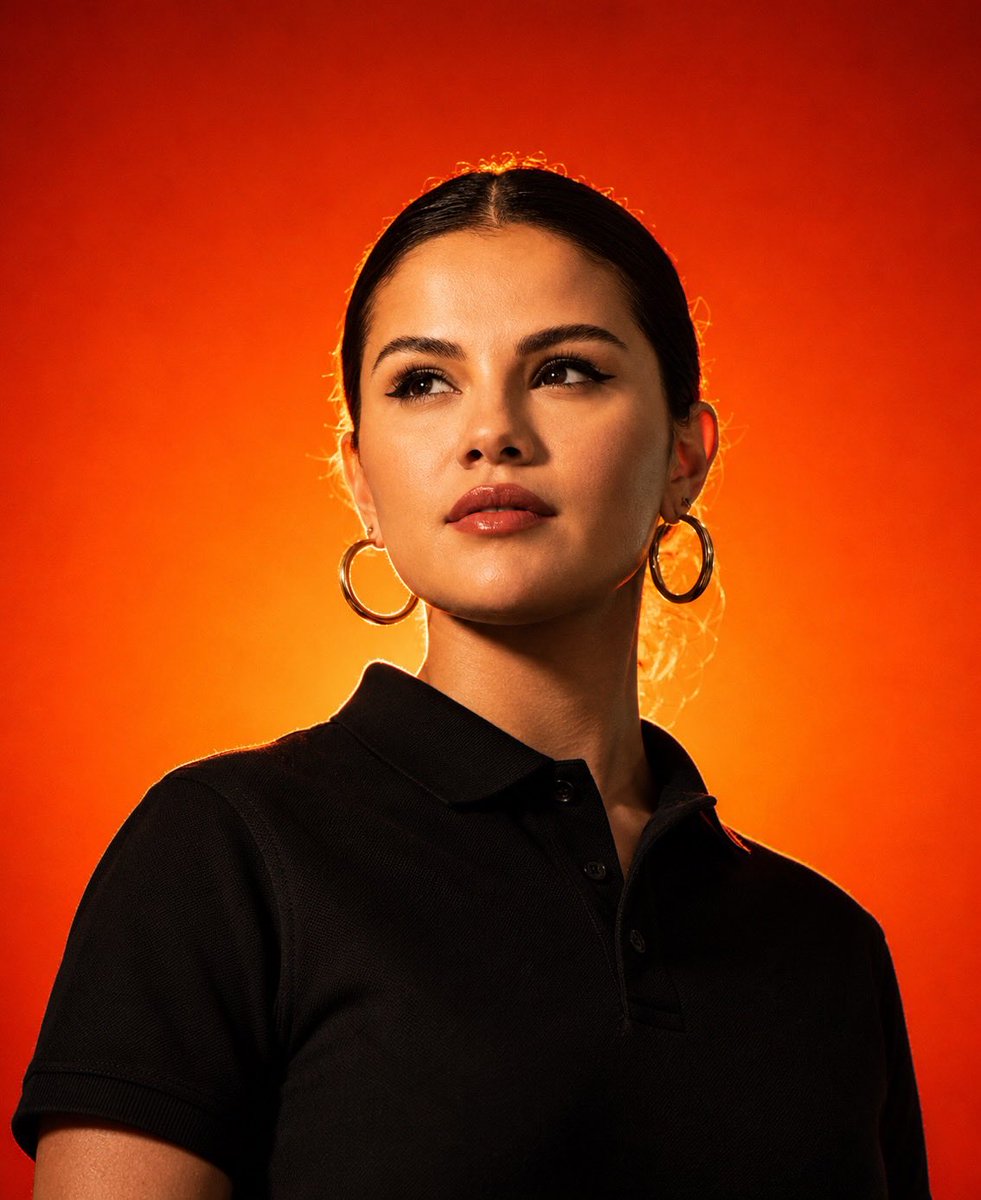


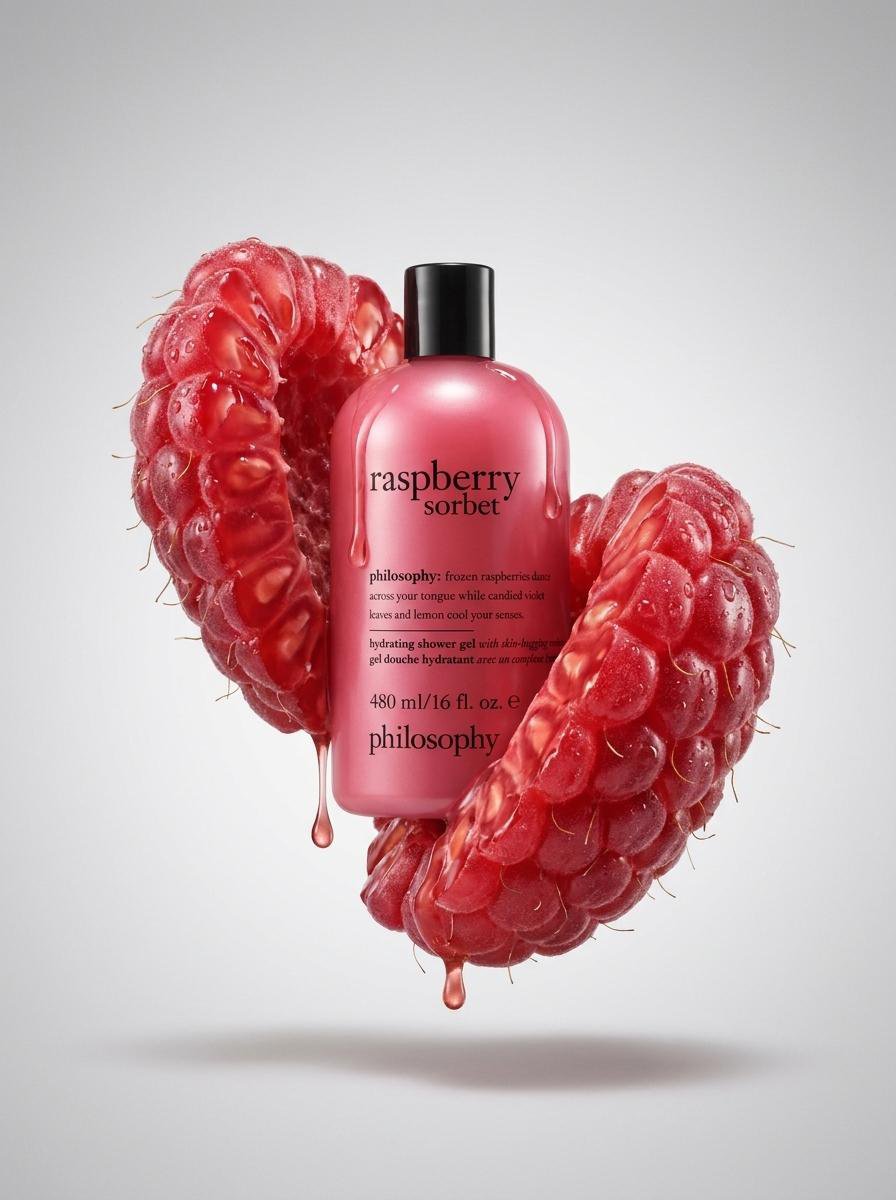

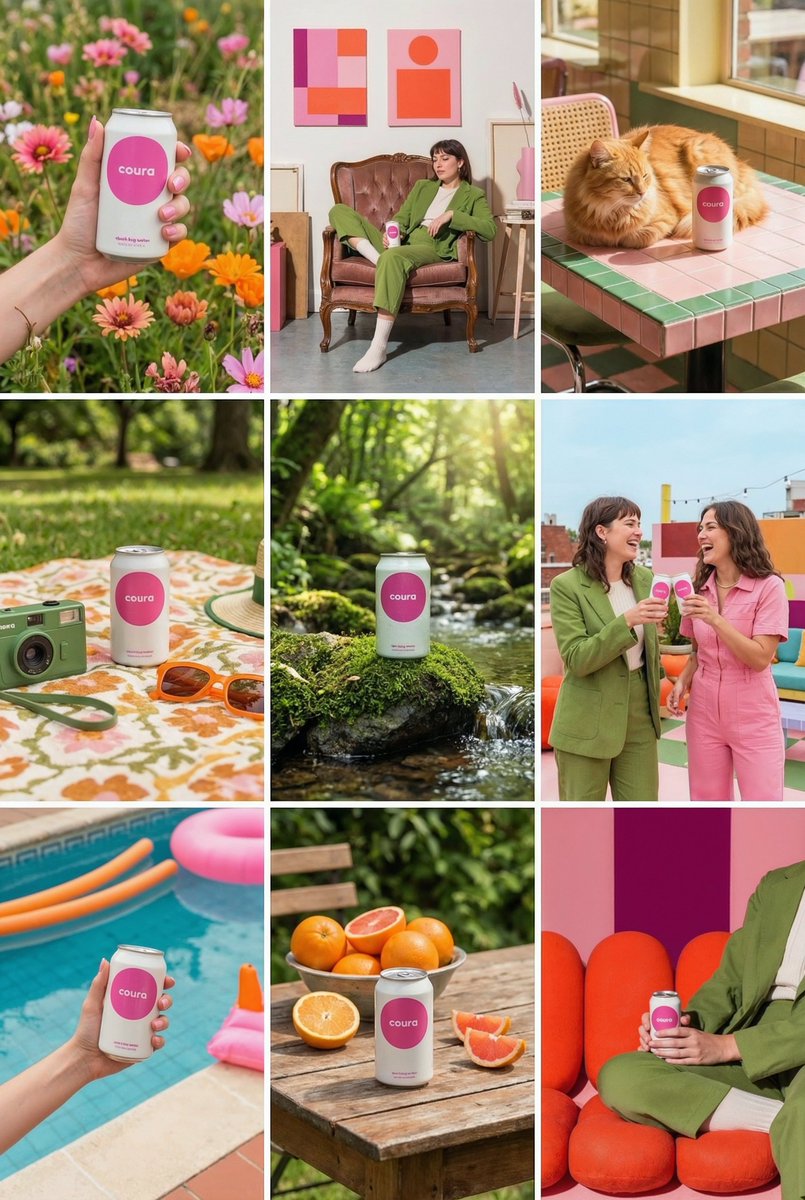

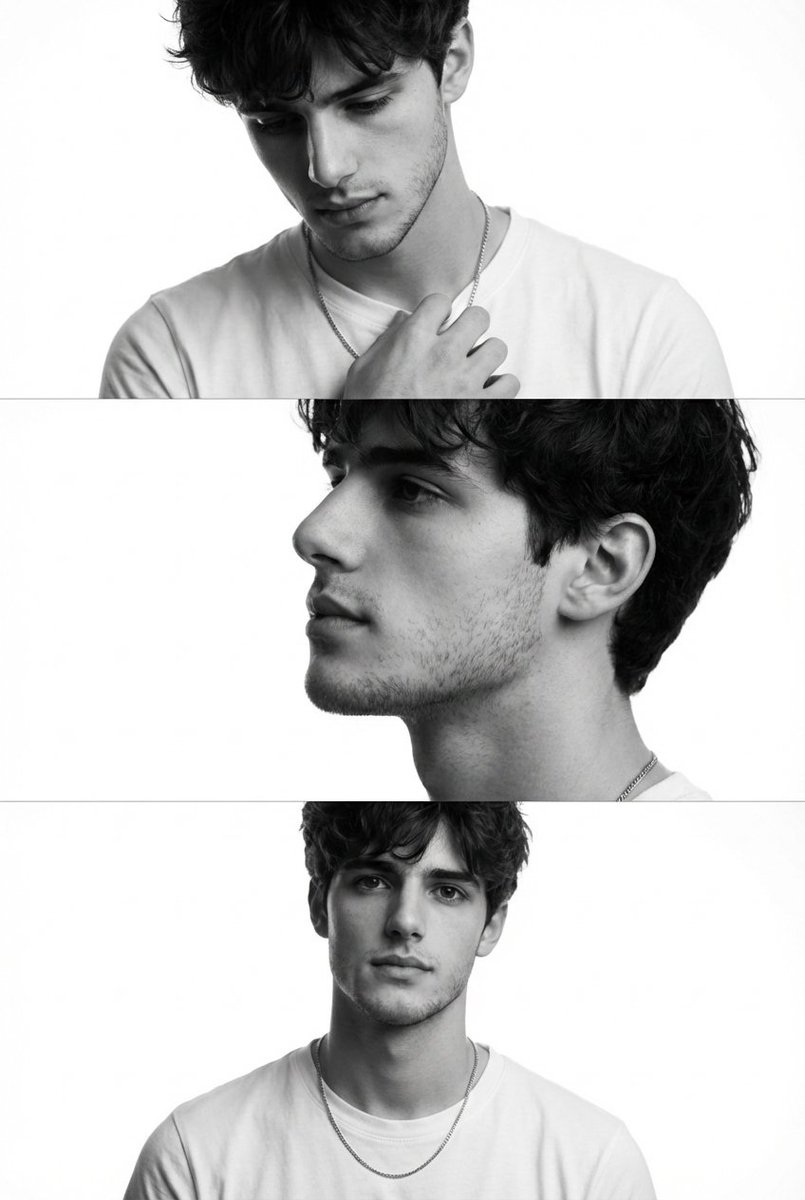


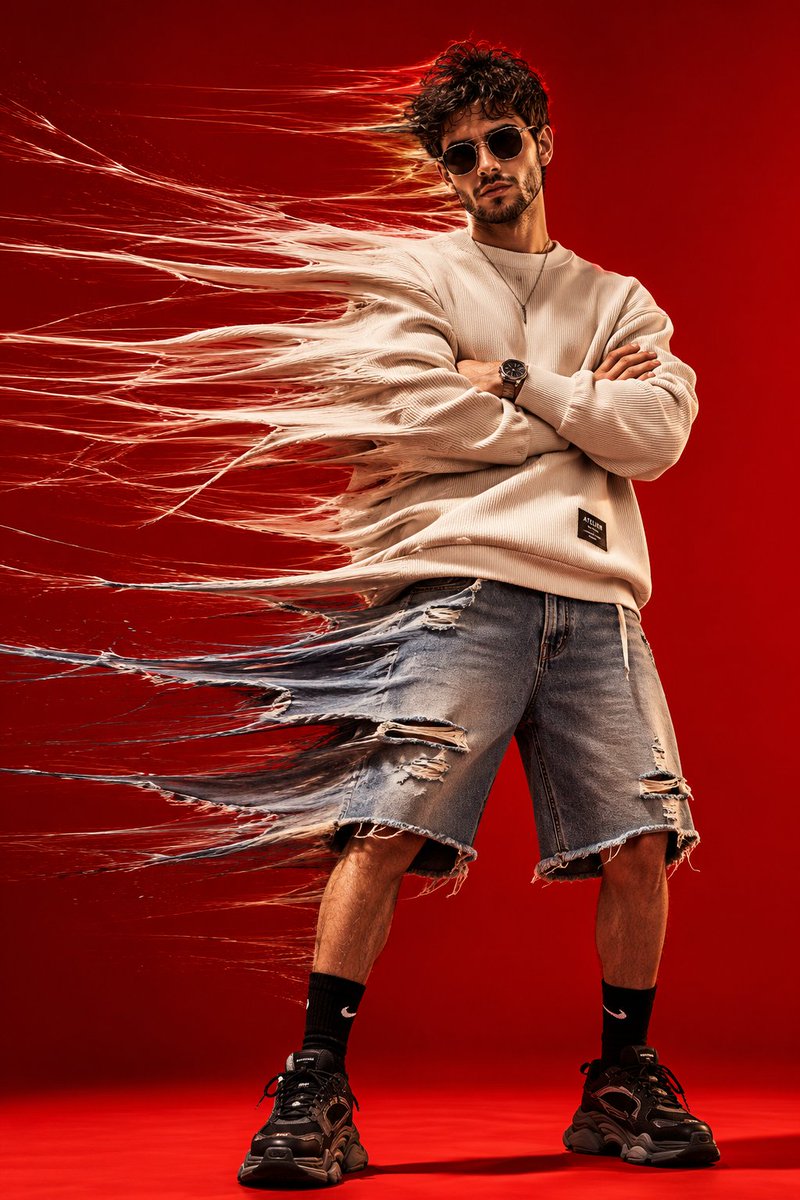


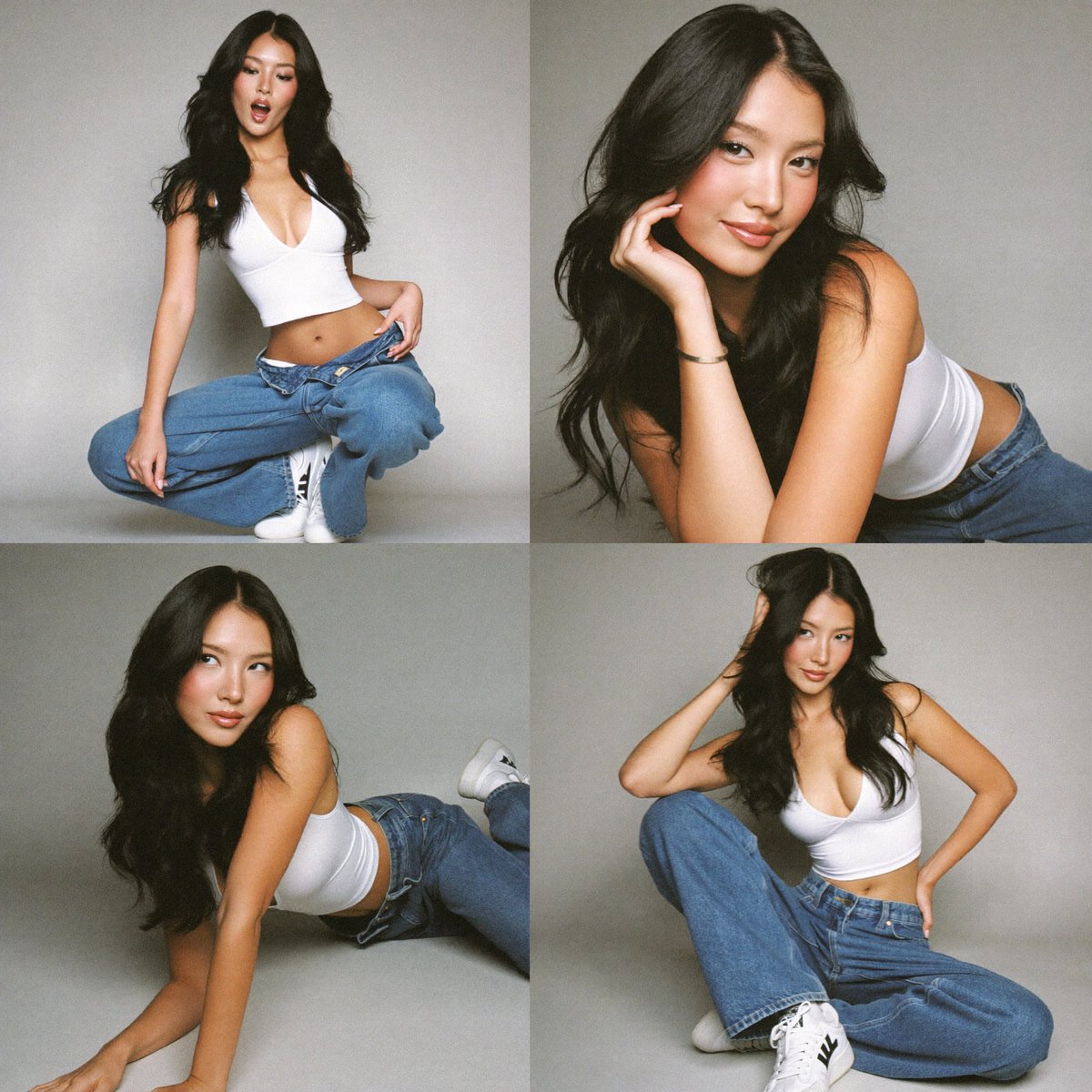

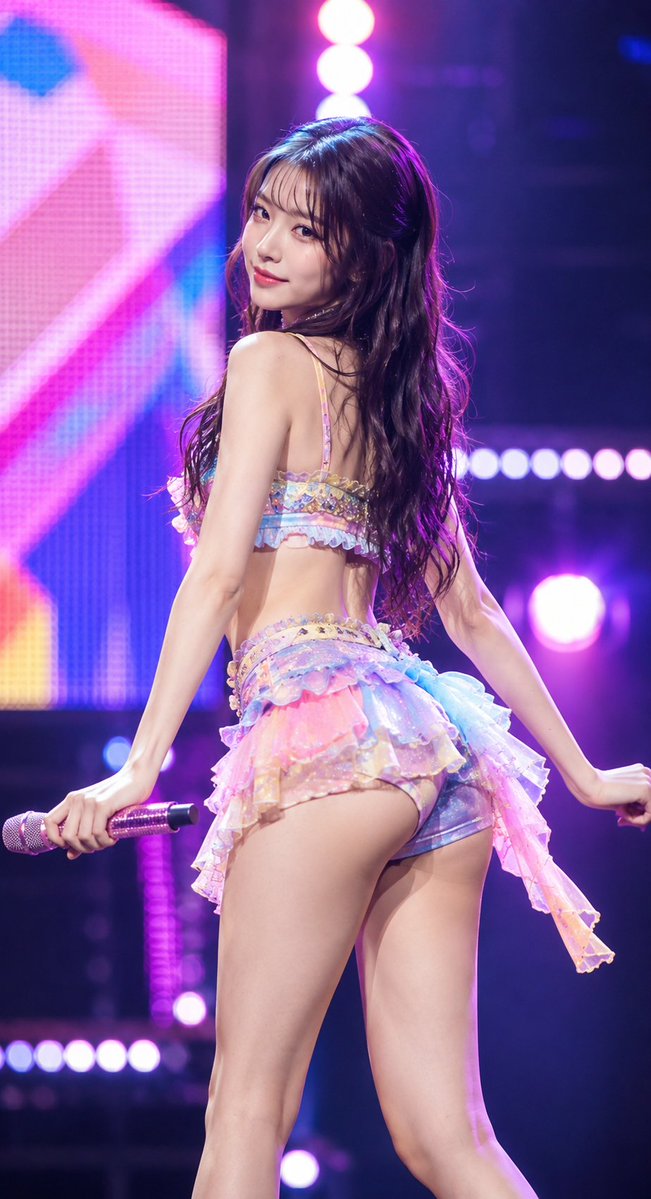

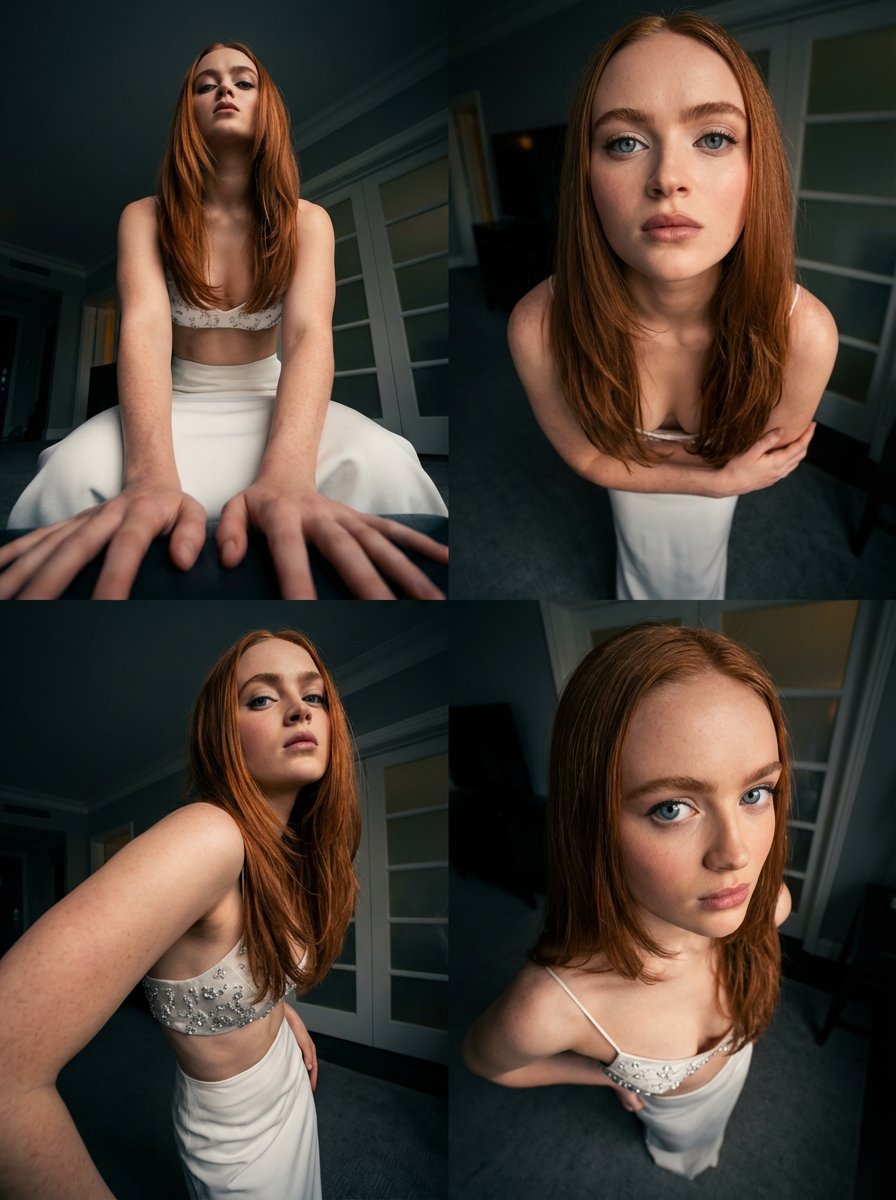

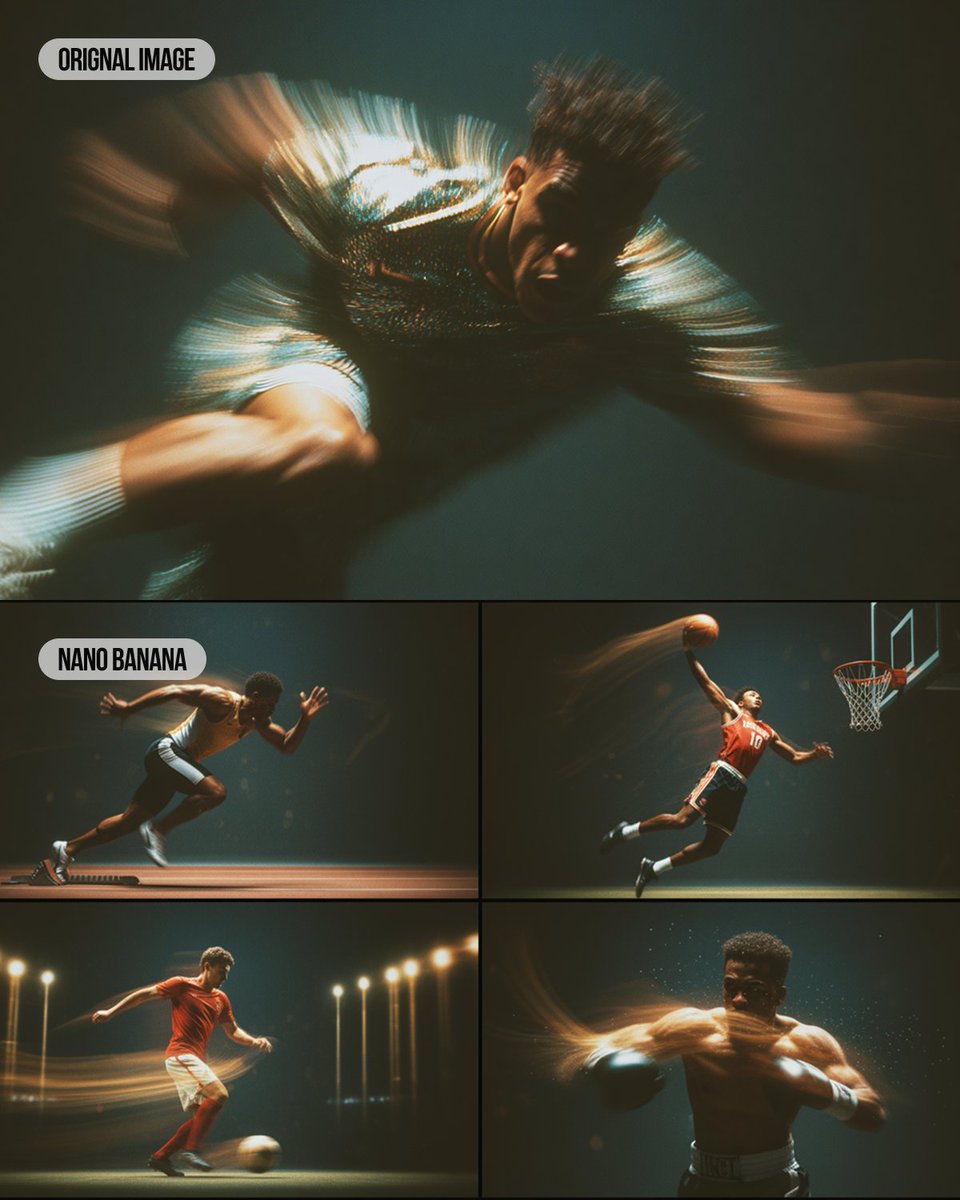

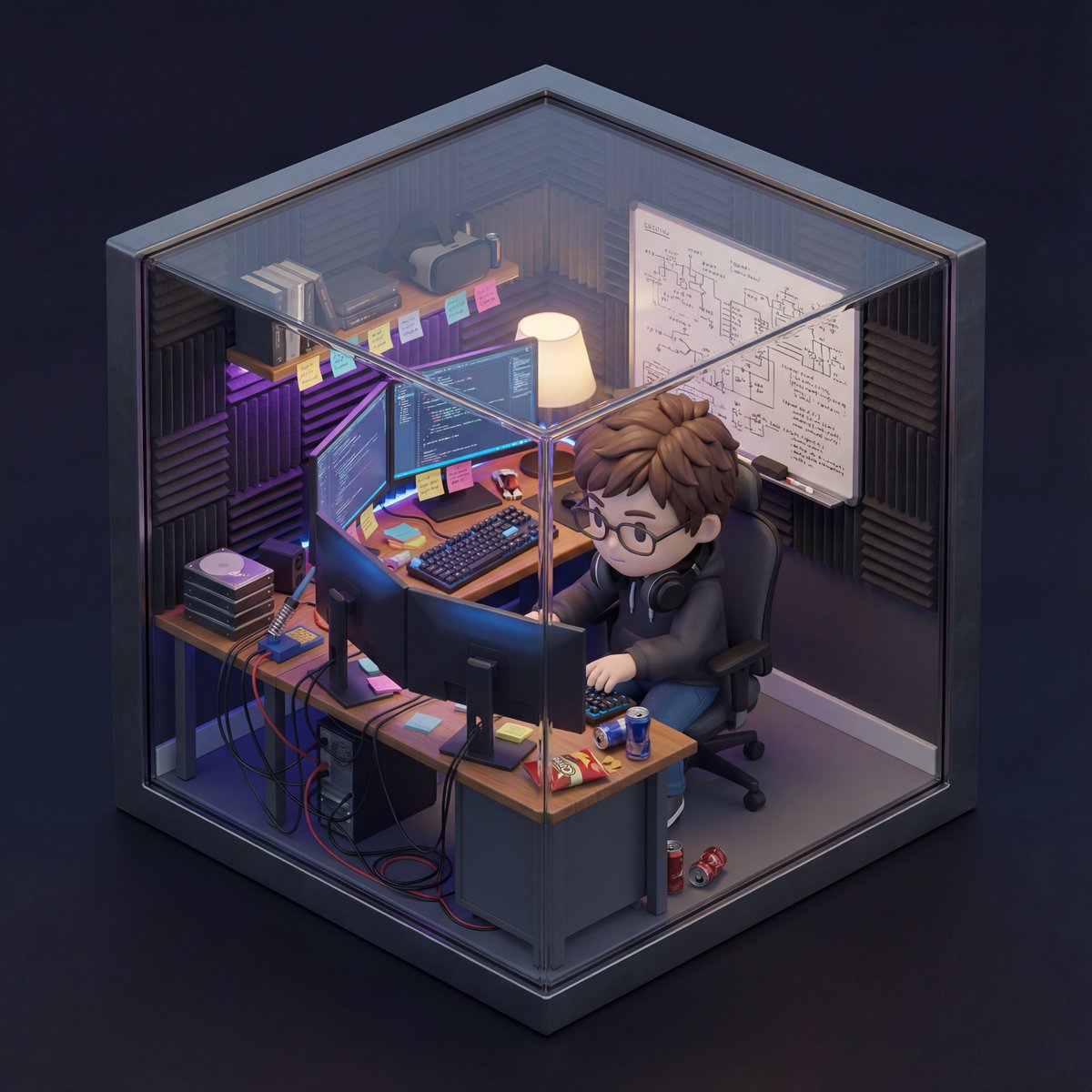
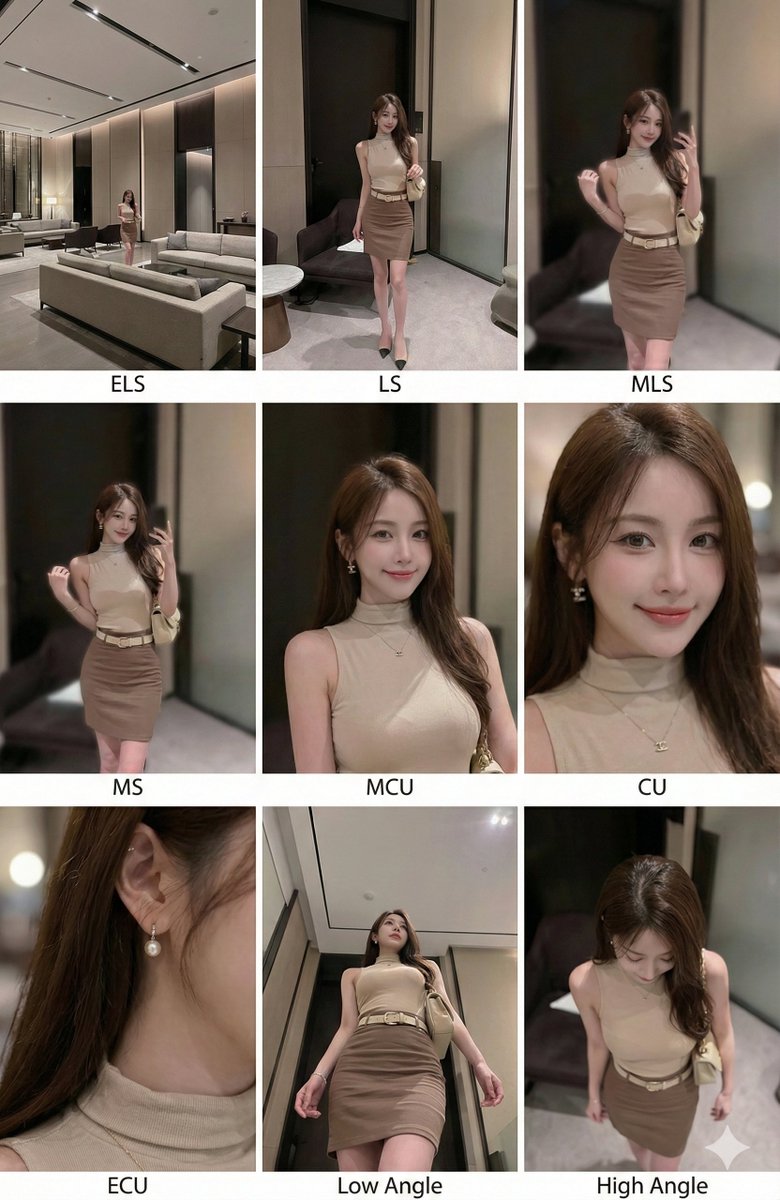

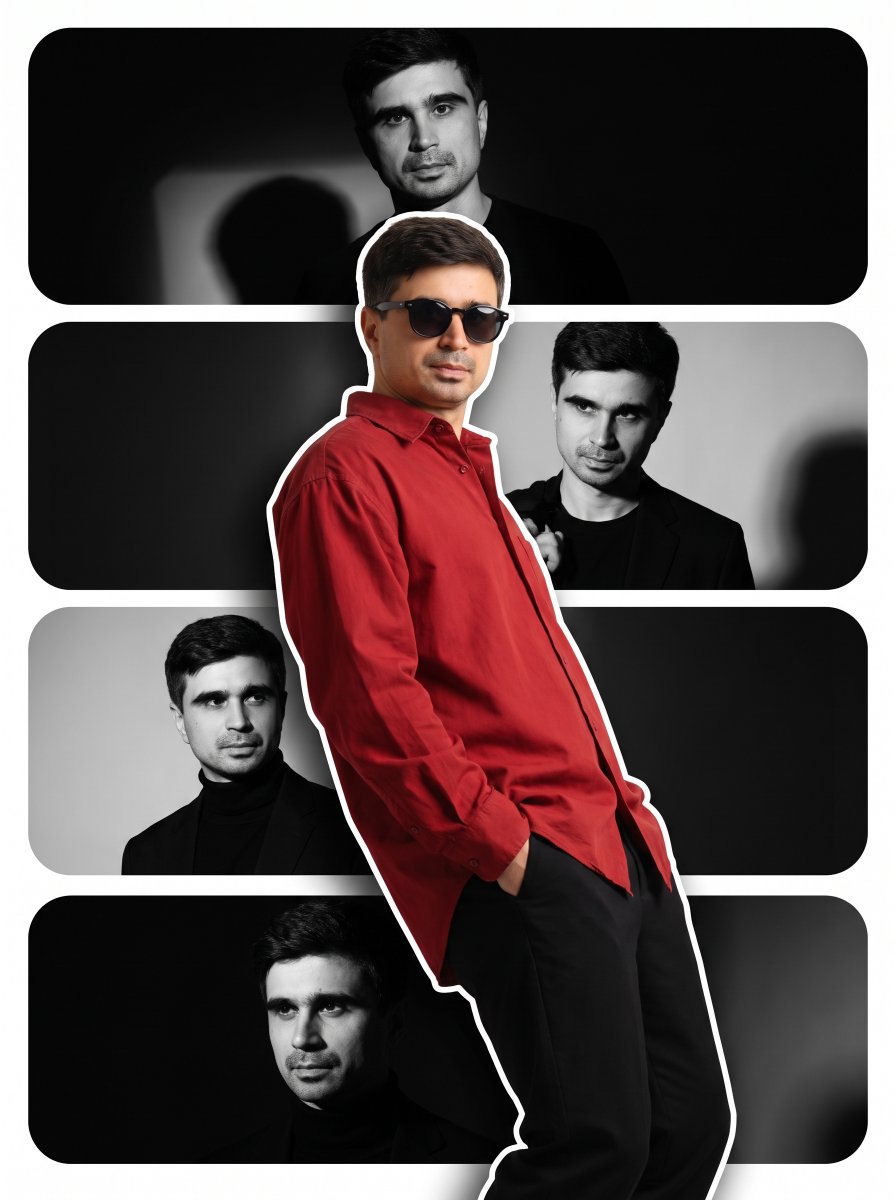
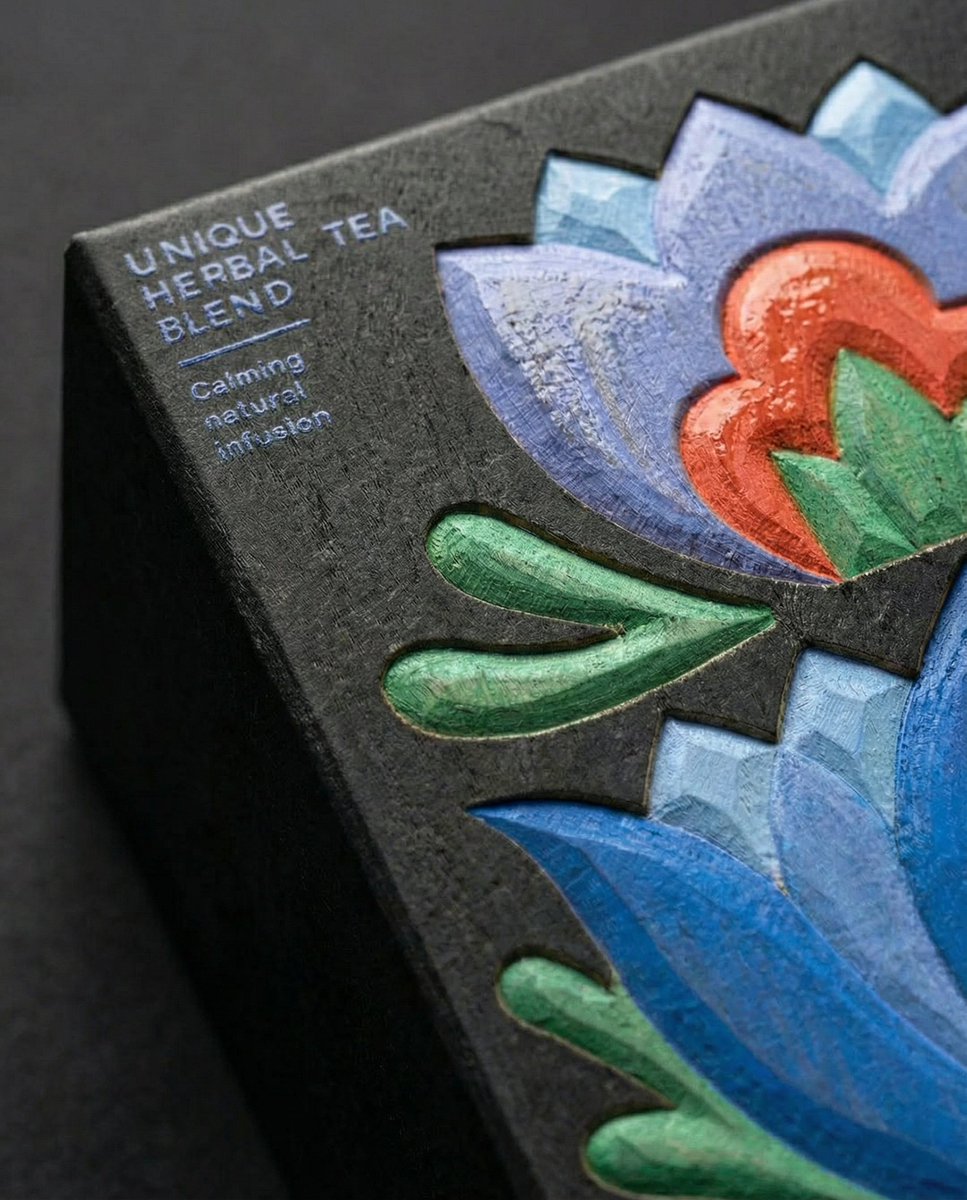
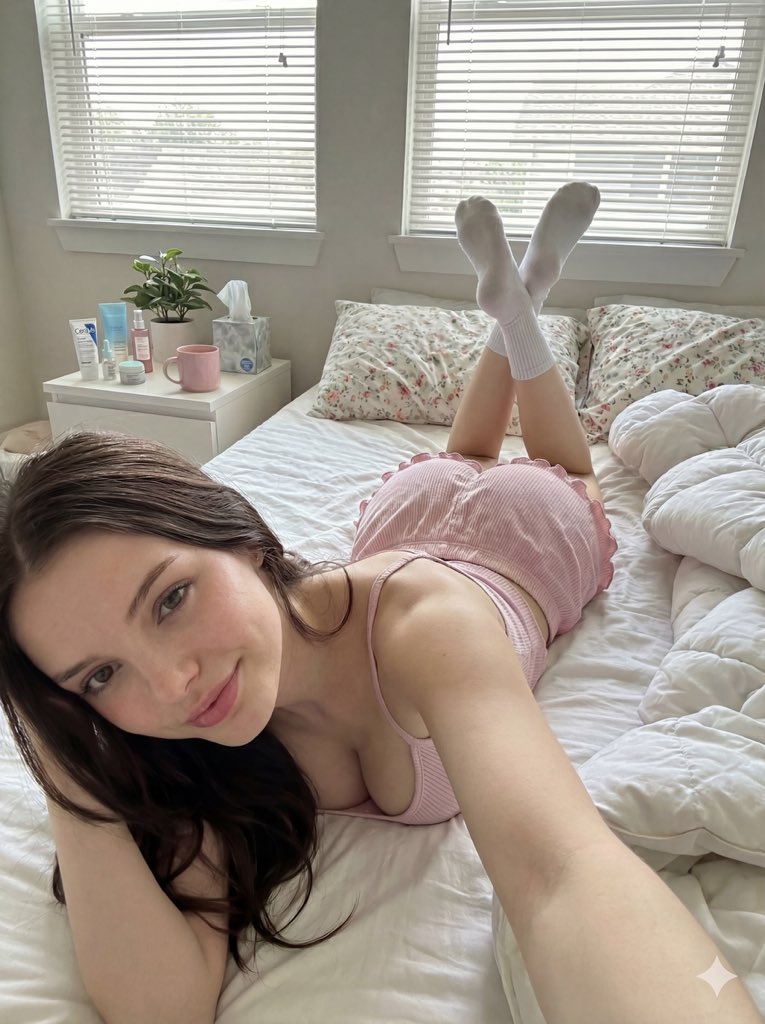


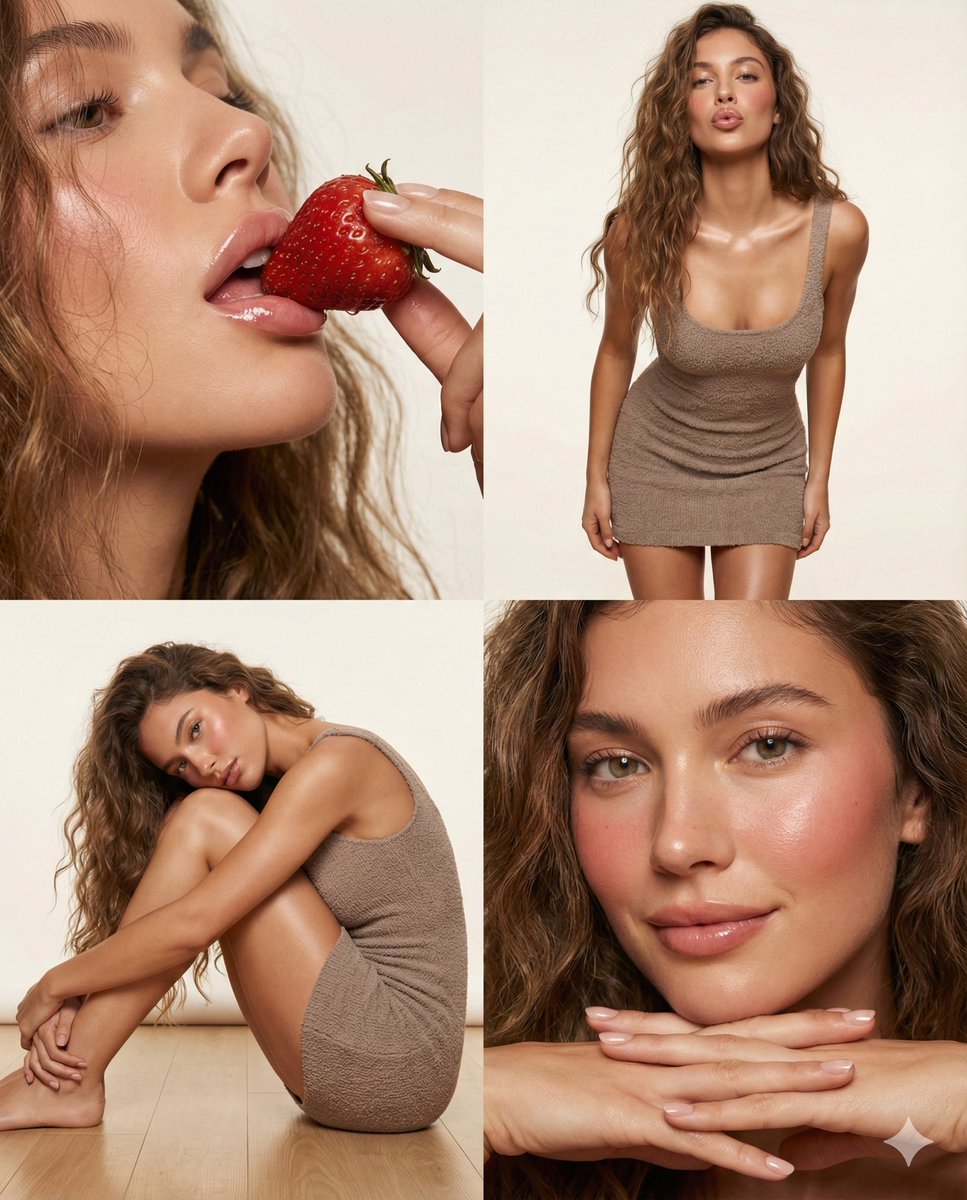
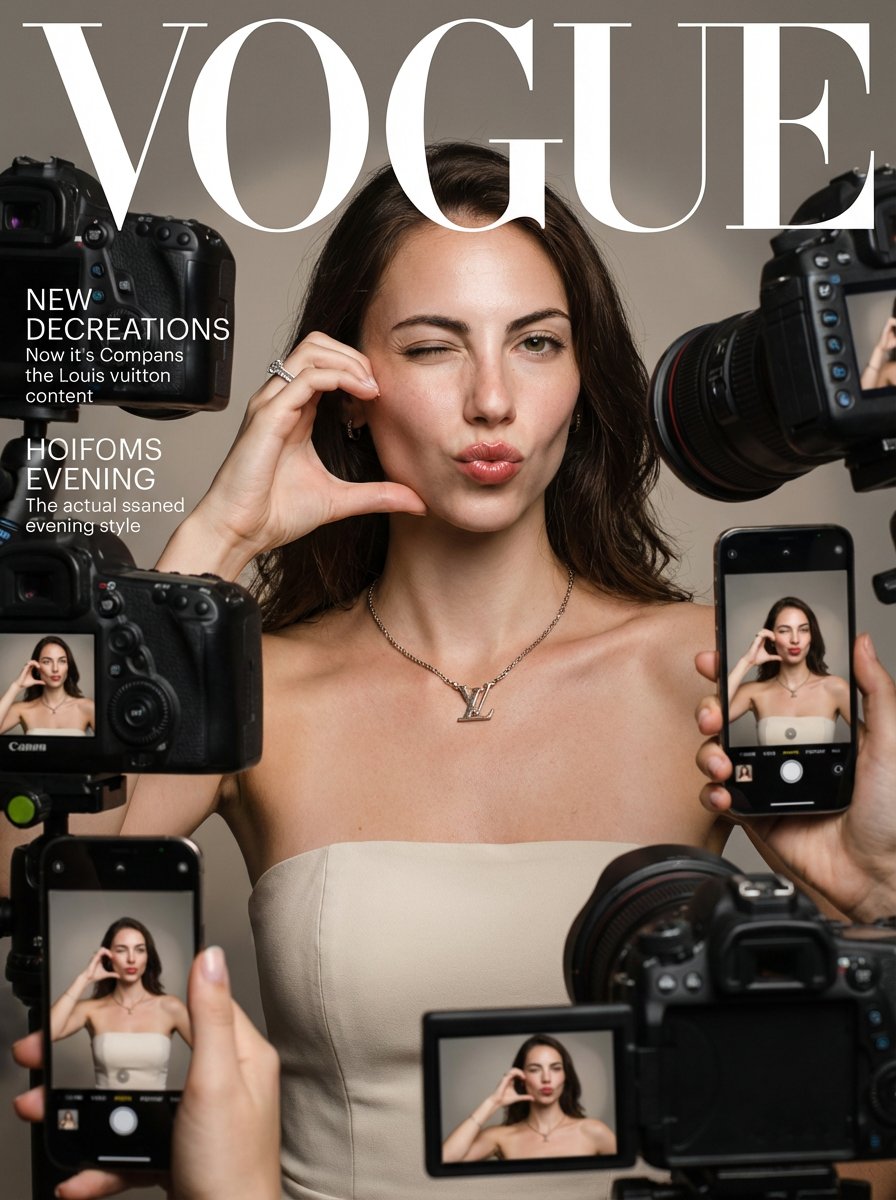


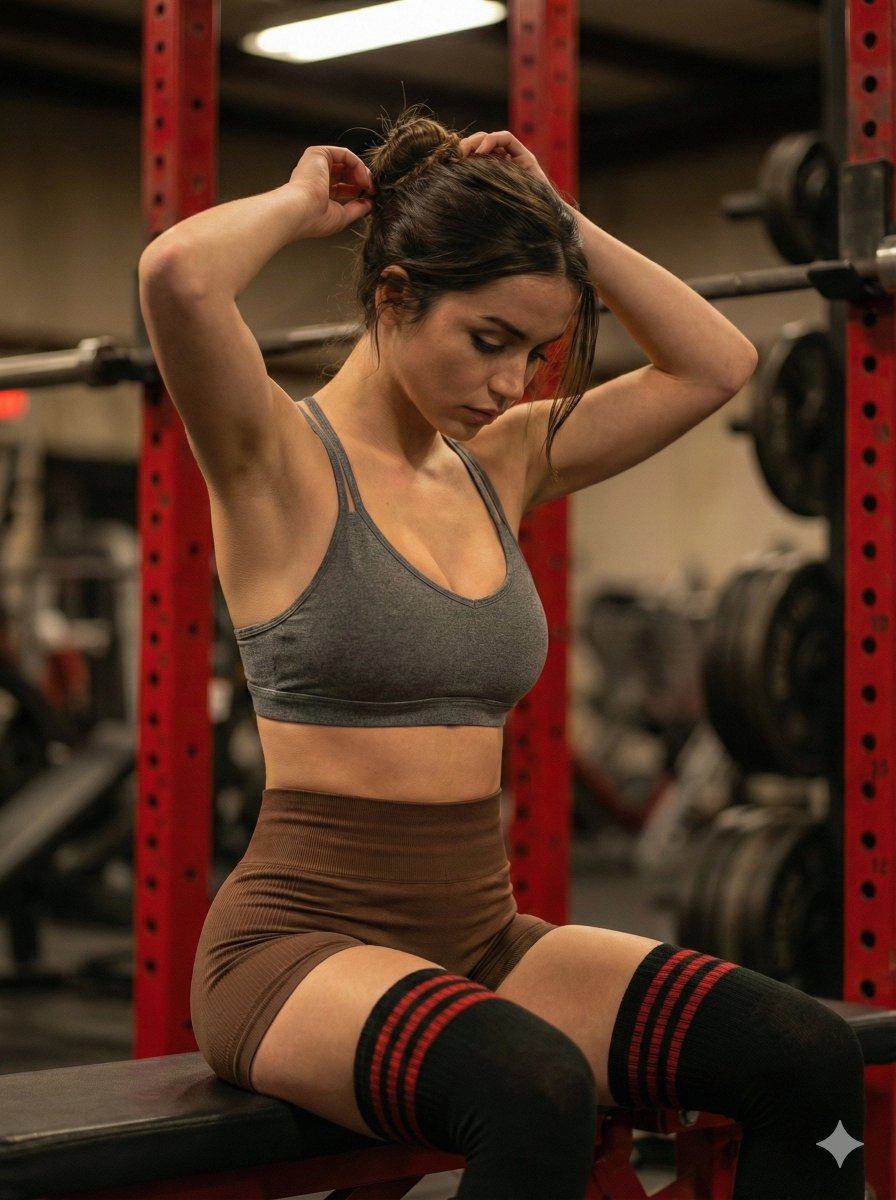
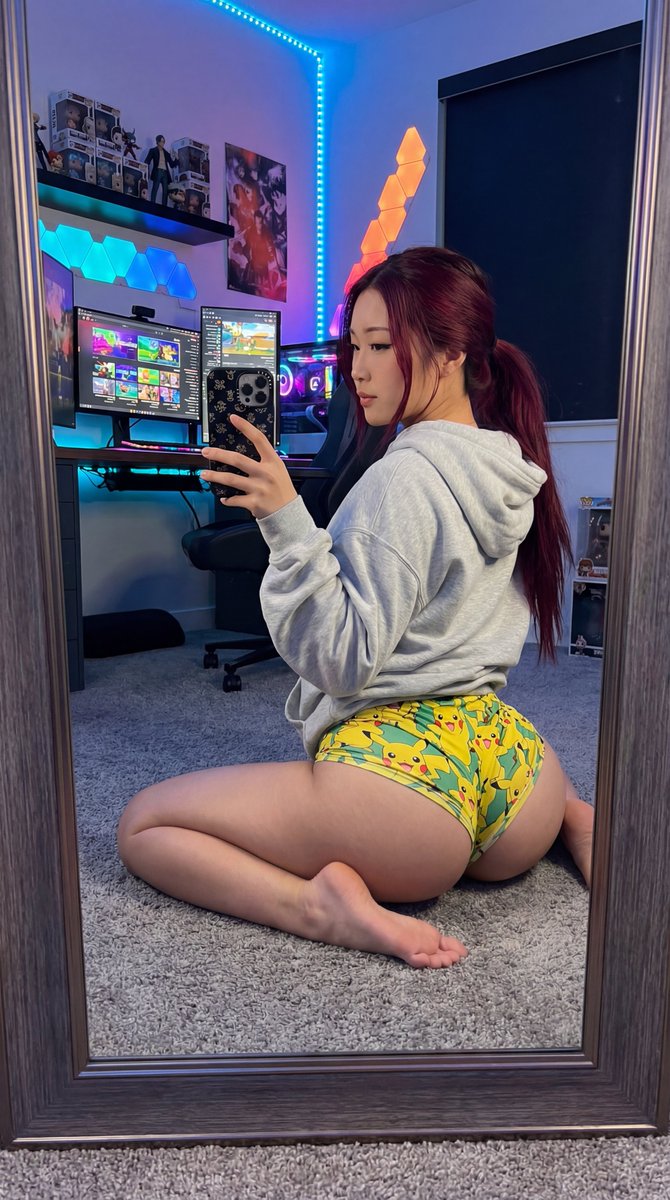


![Ultra-clean modern recipe infographic. Showcase [FOOD] in a visually appealing finished form—slic…](https://i.nanobananapro.org/public/prompts/2012985517139255644/0.webp)


What is Nano Banana?
Generate, Edit, Stay Consistent
Nano Banana AI is a browser-based image generator and editor. Start with text, an existing image, or visual references, then create a new image or make a focused change in the same workspace.
Try Nano BananaNano Banana AI capabilities
From First Idea to Final Edit
Four core capabilities cover the image workflow: generate from text, edit an existing image, preserve references, and create text-led graphics.
Text to image
Generate a complete image from a clear brief.
Describe the subject, composition, lighting, lens, material, mood, and aspect ratio. The Nano Banana AI image generator turns that direction into a complete visual for campaigns, products, editorial work, or social content.
AI image editor
Edit the image without starting over.
Tell the Nano Banana AI image editor both what to change and what to preserve. Replace a background, remove an object, change clothing, adjust light, or refine one detail without rebuilding the composition.
Reference consistency
Carry the same subject into a new scene.
Use Nano Banana Pro with one or more reference images to guide identity, products, outfits, locations, composition, or style. Preserve recognizable details across storyboards, campaign variations, and product visuals.
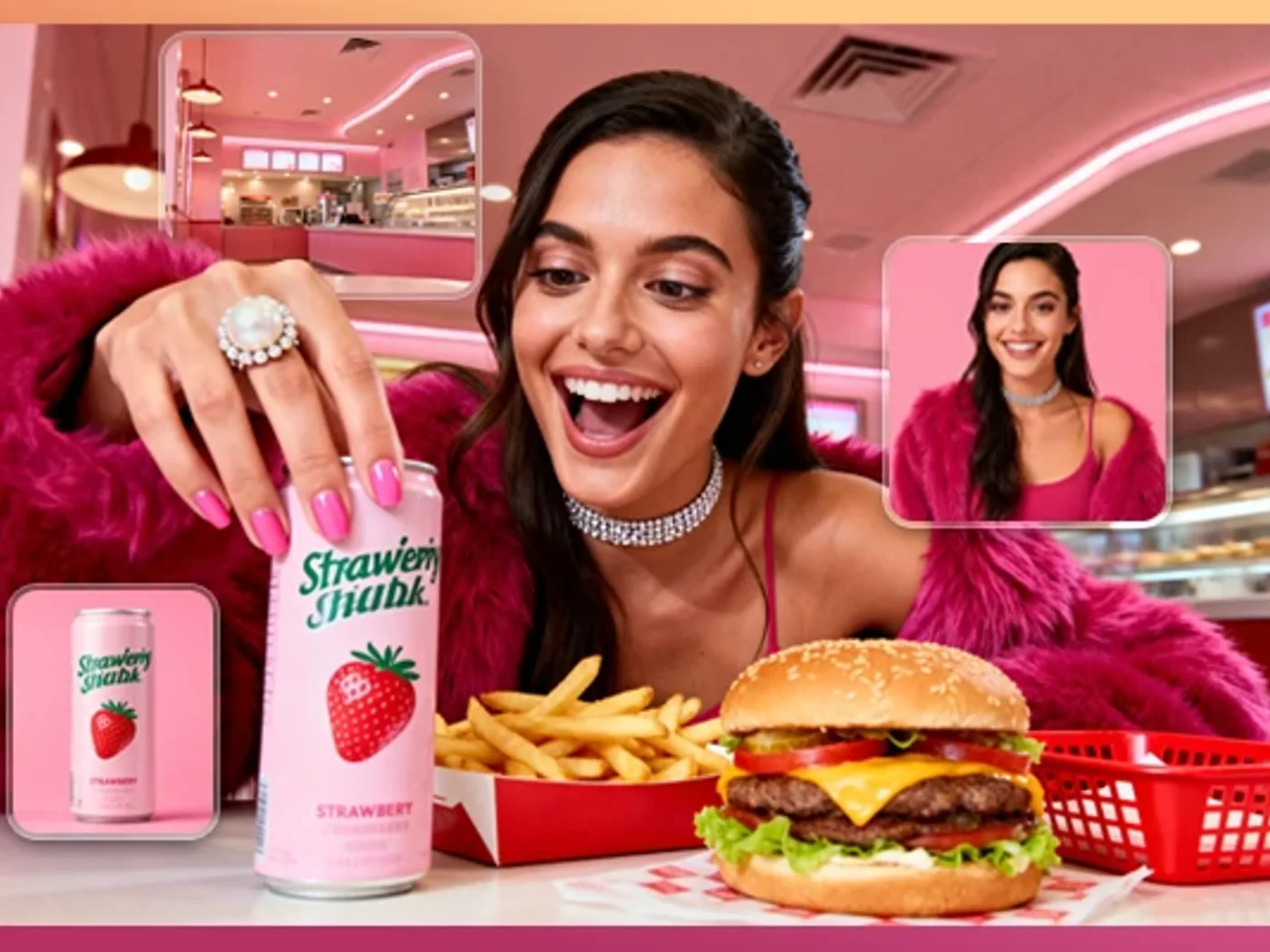
Text and layout
Create readable text and layouts with Nano Banana Pro.
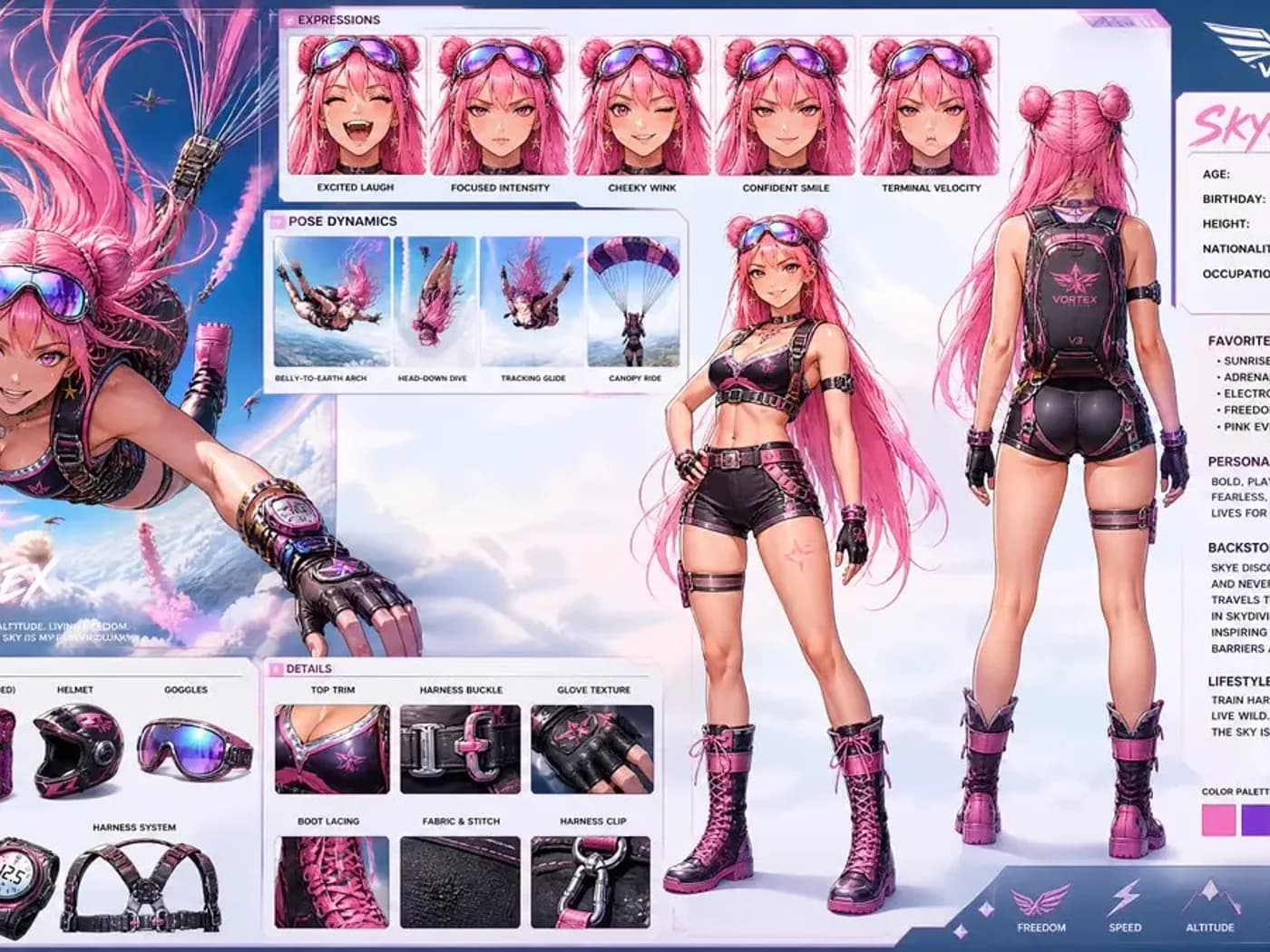
Use Nano Banana Pro for posters, labels, menus, diagrams, mockups, and localized graphics where in-image text and layout matter. Quote exact copy in the prompt and check final spelling before publishing.
Nano Banana use cases
Made for Images You Need to Publish
Use Nano Banana to turn one clear brief into product campaigns, consistent visual stories, and localized creative ready for real channels.
Product campaigns
Turn one product into a full campaign.
Place the same product into new seasons, settings, lighting, and ad formats while keeping its shape, branding, and recognizable details intact.
Create product visuals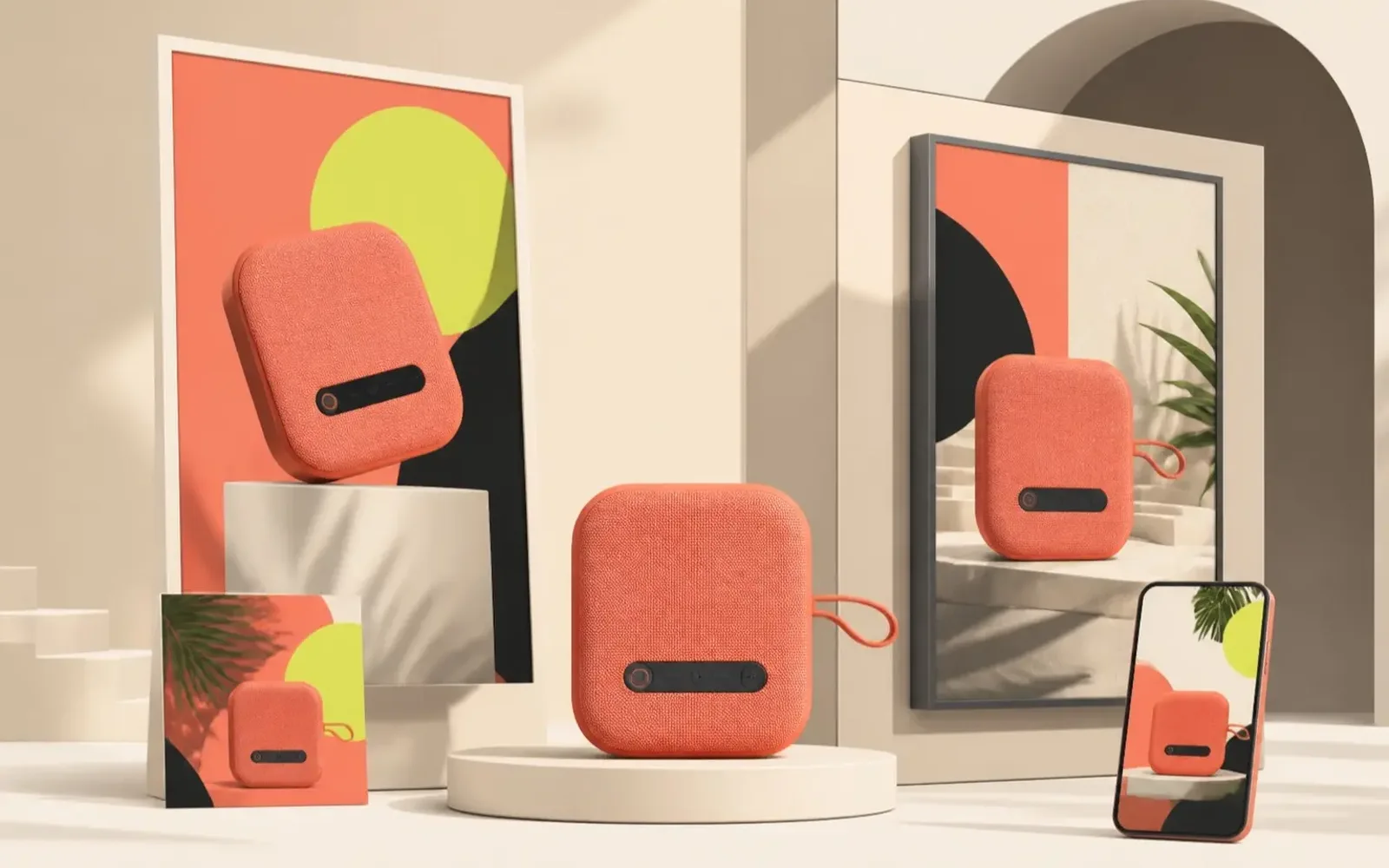
Characters & storyboards
Build a story without losing the character.
Use Nano Banana Pro to carry the same face, wardrobe, and visual language through new poses, camera angles, locations, and story moments.
Create consistent characters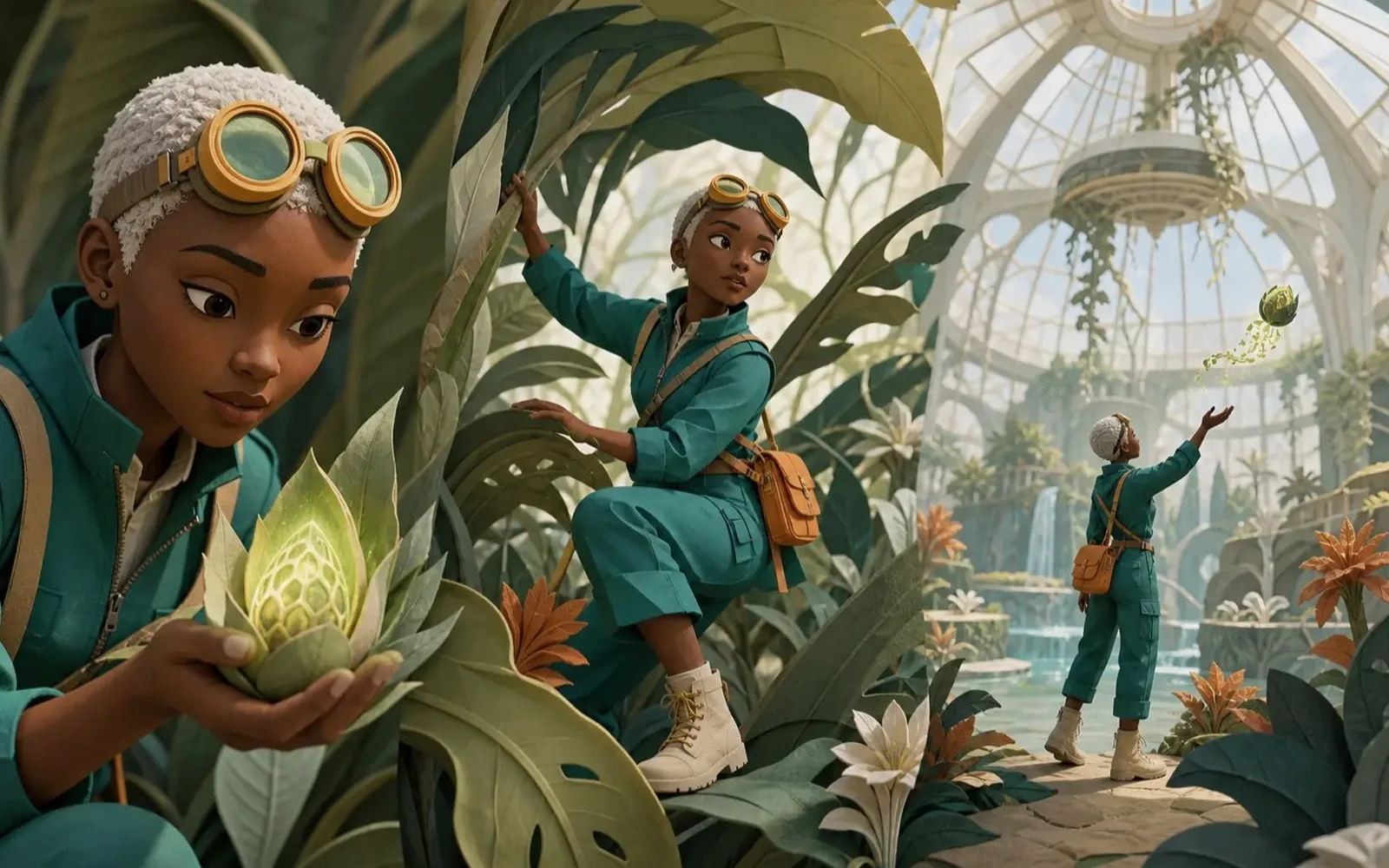
Posters & localization
Adapt one design for every market.
Use Nano Banana Pro to create the core campaign once, then adapt its language, format, imagery, and hierarchy for each audience without rebuilding the design.
Create localized visuals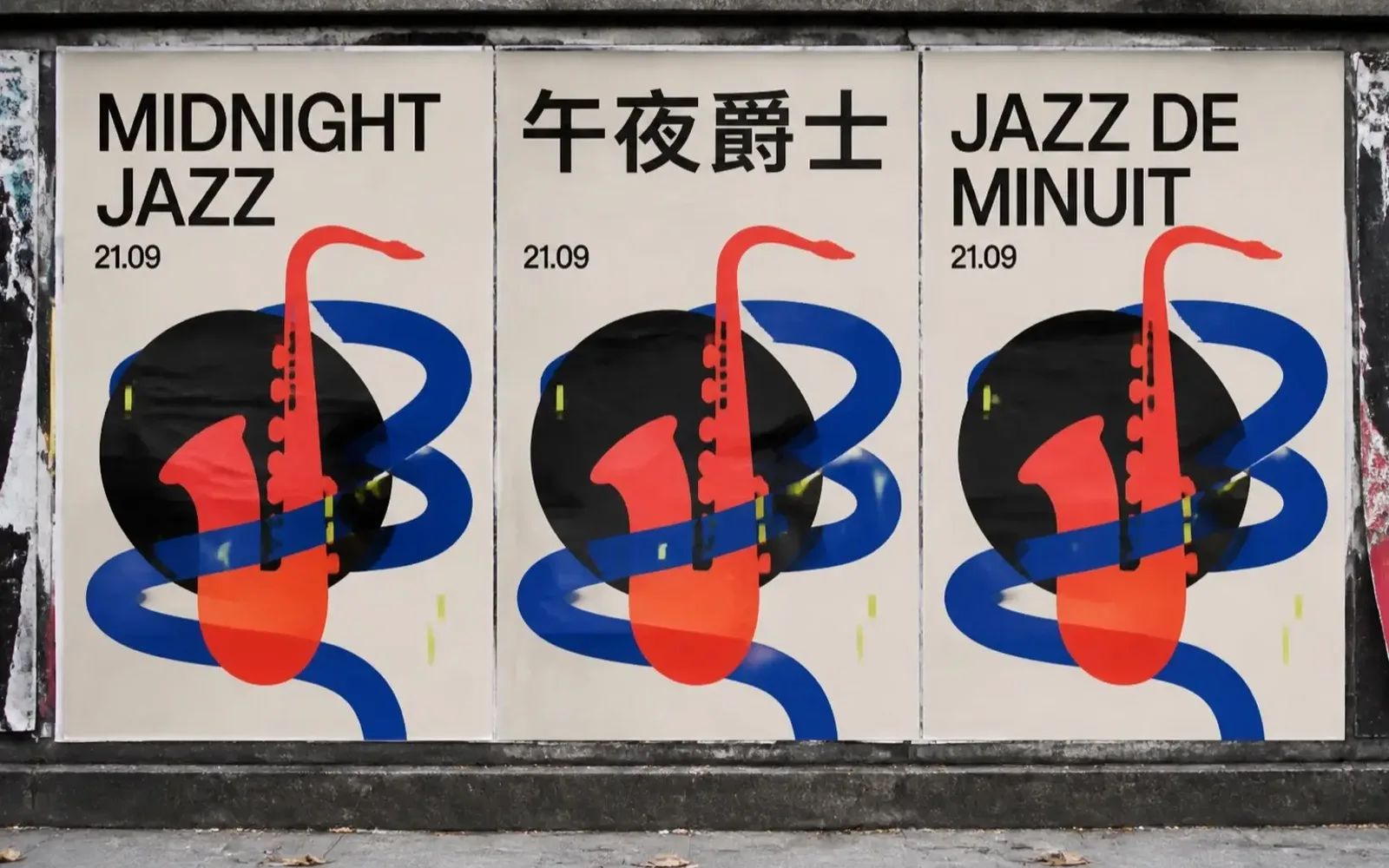
Choose your Nano Banana model
Choose the Right Nano Banana Model
Start with Nano Banana for simple generation, use Nano Banana 2 for flexible everyday production, or choose Nano Banana Pro when fidelity, typography, and layout matter most.
Simple everyday generation
Nano Banana
Choose the original Nano Banana for straightforward prompt-to-image work, familiar aspect ratios, and low-cost concept exploration.
- Simple prompt-to-image workflow
- Common aspect ratios
- Up to eight images per run
Flexible everyday production
Nano Banana 2
Choose Nano Banana 2 for fast iteration, repeated variants, reference-guided work, and everyday image generation or editing at 1K or 2K.
- Fast prompt iteration
- 1K and 2K output
- Generation and editing workflows
High-fidelity art direction
Nano Banana Pro
Choose Nano Banana Pro for complex typography, information-rich layouts, deliberate composition, and high-fidelity output up to 4K.
- Precise visual direction
- Complex text and layouts
- 1K, 2K, and 4K output
How to use Nano Banana
From Prompt to Finished Image in Three Moves
A strong Nano Banana result starts with a clear brief, useful references, and one focused instruction at a time.
01
Describe or upload
Write the subject, scene, composition, light, camera, and format. Add reference images when identity or product detail must remain recognizable.
02
Choose and generate
Choose Nano Banana for simple concepts, Nano Banana 2 for flexible production, or Nano Banana Pro for precise layouts and high-fidelity output. Confirm the settings and credit cost.
03
Review and refine
Inspect faces, hands, text, logos, and reference fidelity. If most of the image works, request one focused edit and preserve the rest.
Free to try
Is Nano Banana Free to Use?
Yes. New accounts receive 50 free credits to try supported Nano Banana image generation and editing workflows before buying more.
- See the model, resolution, and credit cost before generating
- Eligible failed tasks return credits automatically
- Use a subscription or one-time credit pack when you need more
Nano Banana FAQ
Straight Answers Before You Create
Practical answers about Nano Banana AI image generation, editing, reference images, model choice, free credits, and online access.
01What is Nano Banana?
Nano Banana AI is an online image generator and editor. It creates new images from text or references and changes existing images with natural-language instructions.
02Is Nano Banana free?
New accounts receive 50 free credits for eligible workflows. The workspace shows the current credit cost before you generate.
03How do I use Nano Banana?
Enter a prompt or upload an image, choose Nano Banana, Nano Banana 2, or Nano Banana Pro, confirm the output settings and credits, then generate. Continue with one focused edit when needed.
04What can the Nano Banana AI image editor change?
It can replace backgrounds, add or remove objects, change clothing, relight scenes, adjust composition, rewrite visible text, and refine selected details.
05Can Nano Banana use reference images?
Yes. References can guide a person, character, product, outfit, location, composition, palette, or visual style. Explain the role of each image for clearer results.
06Can Nano Banana keep characters and products consistent?
Reference-guided generation can preserve recognizable details across variations. Results still vary, so repeat fixed attributes in the prompt and review identity-critical work closely.
07Can Nano Banana generate text inside images?
Yes. Nano Banana Pro can create posters, labels, menus, diagrams, and other text-led visuals. Quote exact copy, keep it concise, and check spelling in the final image.
08Nano Banana vs Nano Banana 2 vs Nano Banana Pro: which should I choose?
Choose Nano Banana for simple, low-cost generation; Nano Banana 2 for flexible everyday production at 1K or 2K; and Nano Banana Pro for complex text, precise layouts, and output up to 4K.
09How much does Nano Banana cost?
Cost depends on the selected model, resolution, and output count. Current credit requirements appear before generation, and new accounts receive starter credits.
10Can I use Nano Banana online without installing software?
Yes. Nano Banana runs in the browser, so you can create and edit images online without installing a desktop application.
Explore more creative tools
More ThanNano Banana
Continue from Nano Banana into four focused workflows: generate a new image, transform a reference, remove a background, or turn a still into motion.

Make Your First Nano Banana Image
Start with 50 free credits. Generate from text, edit a photo, or build a new image from references in one Nano Banana AI workspace.
Start creating free